Should you use an AI headshot or hire a photographer?
Choose based on your purpose, budget, and how much control you need. A phone photo can be a simple starting point, an AI app can explore different portrait styles, and a photographer can guide a session and create images to a specific brief.
Compare your options
| Option | Useful when | Check before using |
|---|---|---|
| Phone photo | You have good light and need a straightforward, recent portrait. | Focus, background, framing, and expression. |
| AI portrait app | You want to explore different backgrounds or clothing styles from source photos. | Likeness, visual artifacts, app pricing, and the destination’s rules. |
| Professional photographer | You need a planned session, guidance on posing, or consistent photos for a team. | The brief, deliverables, usage rights, turnaround, and price. |
When to use an AI portrait
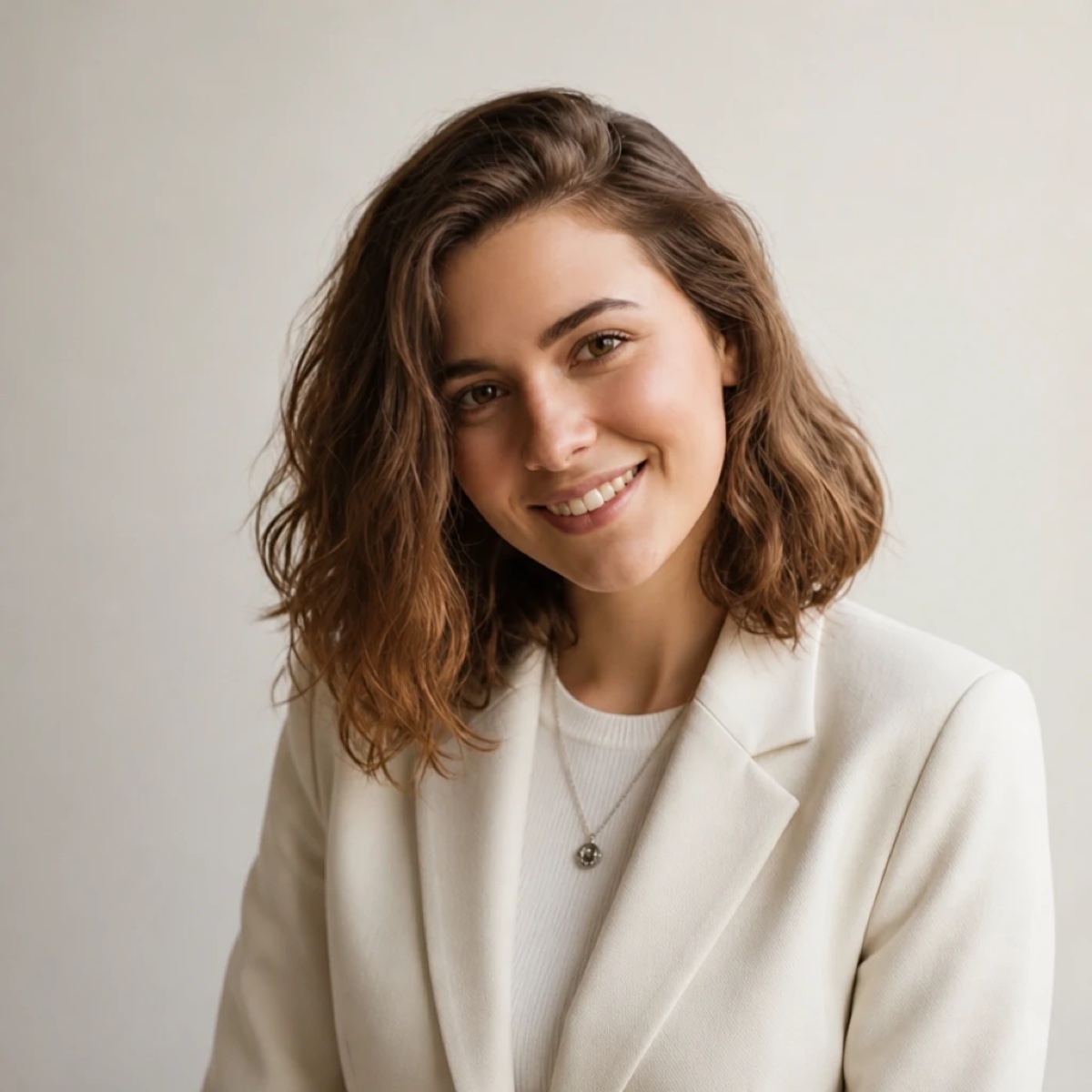
AI results depend on the source photos and style. Compare your face shape, eyes, hair, and glasses with the original. Inspect clothing and background edges too. Choose a result only if it represents you accurately. The Headshot example shows one source portrait and one generated result.
When a photo session may be useful
A photographer can help you adjust lighting and posing in person. If you need a team set or a particular publication format, discuss those requirements and usage rights before booking.
Preparing either way
Start with a recent appearance and clothing that suits the context. Read what to wear and our LinkedIn photo guide. Headshot is free to download; some generation and editing features require an in-app purchase or subscription.