Start with your selfies
Choose clear photos with good lighting and a few different angles.
 headshot.
Get the app
headshot.
Get the app
✳ YOUR NEXT PROFILE PHOTO, REIMAGINED
Turn your selfies into polished, professional headshots for LinkedIn, your résumé, and every place your work gets seen.

SEE HEADSHOT IN ACTION
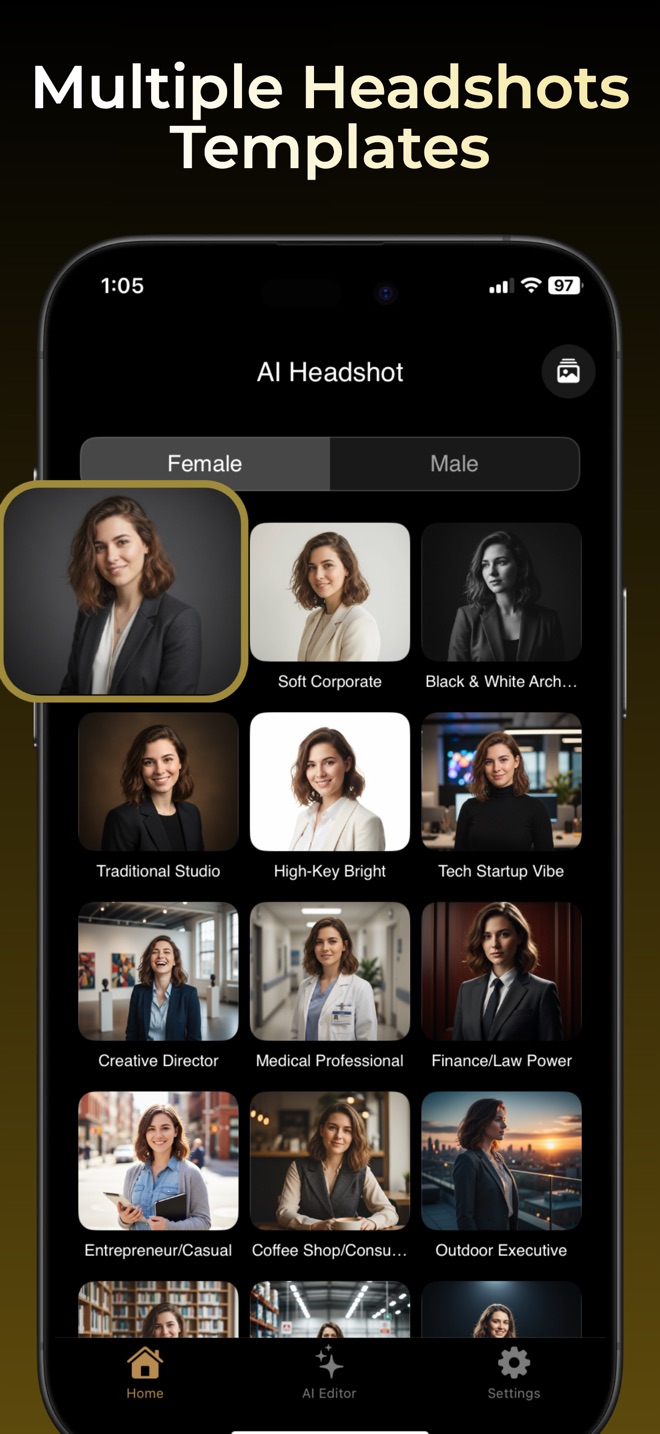
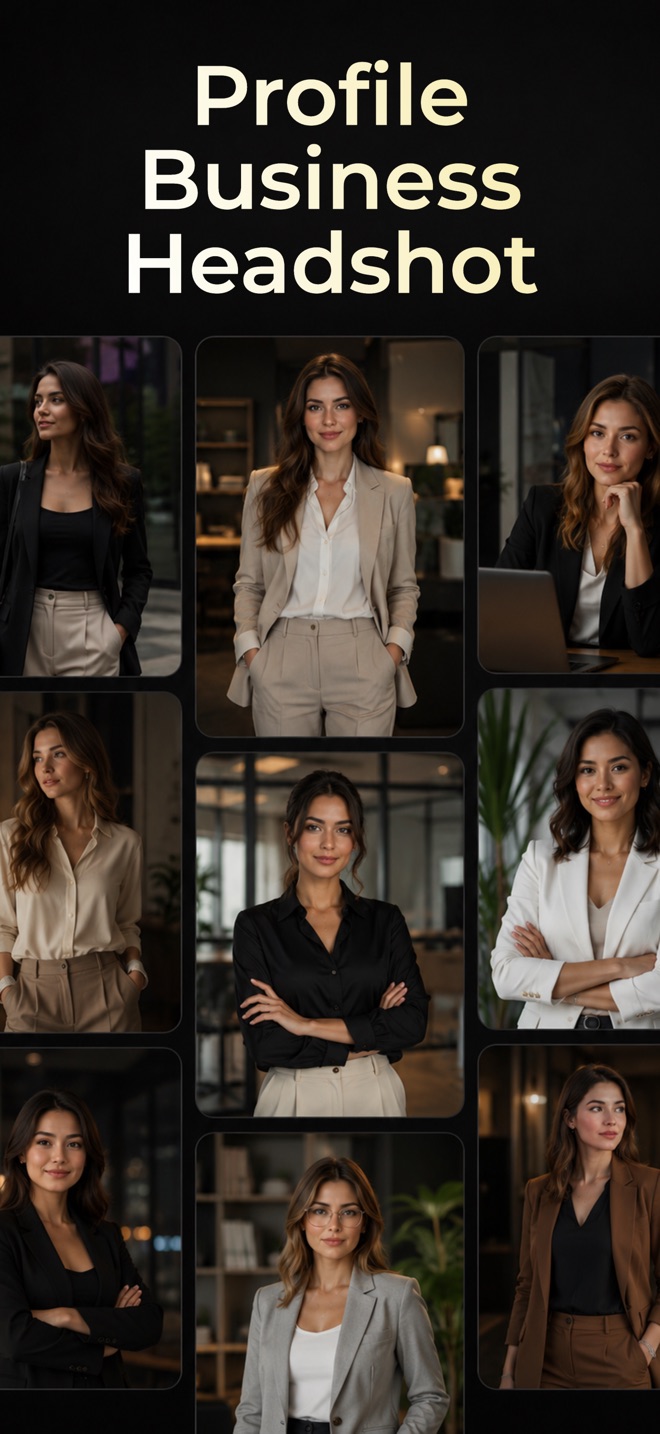
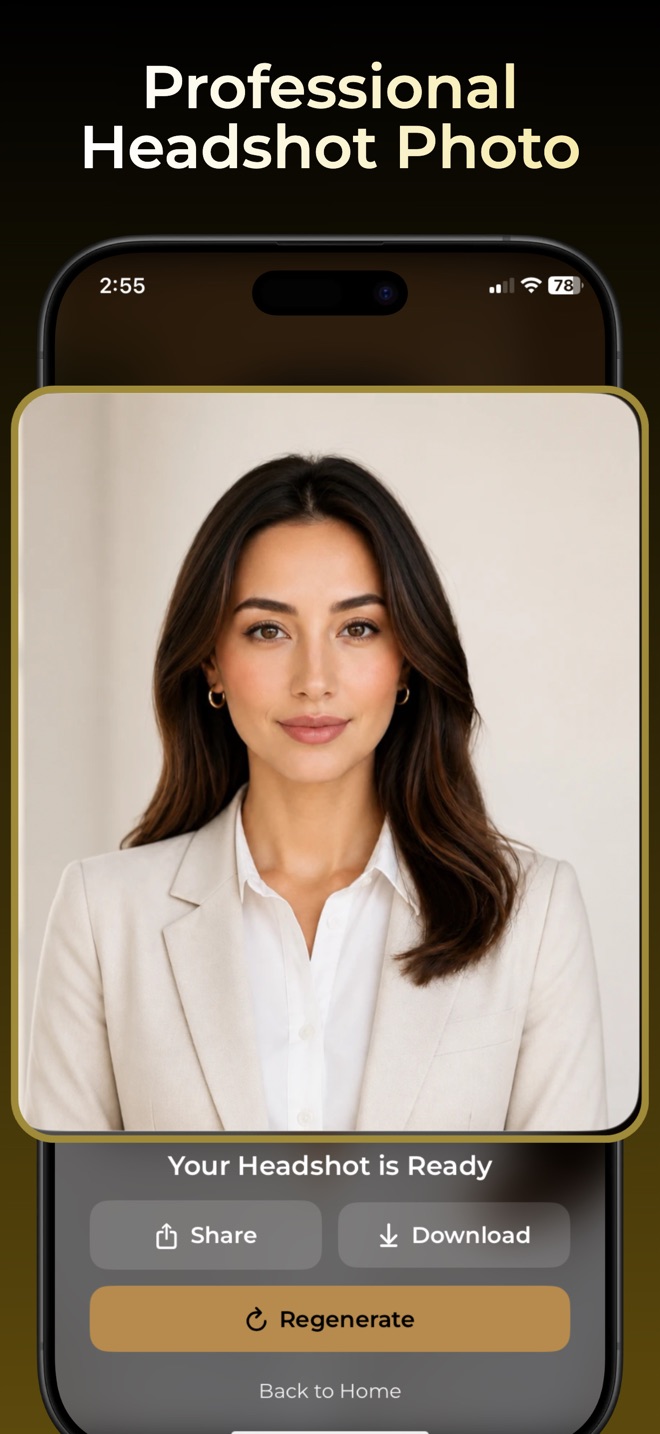
Browse business portrait templates, generate a headshot from your photos, and save a favorite for your profile. These screenshots come from our published App Store listing and show example results. Your results will vary.
NO STUDIO. NO GUESSWORK.
Headshot helps you create a camera-ready profile photo from selfies you already have. Choose a look that fits your work, try different styles, and keep the result that feels right.
Choose clear photos with good lighting and a few different angles.
Explore corporate, modern, creative, casual, and formal styles.
Try backgrounds and editing tools, then save a favorite to use across your profiles.
ONE GOOD PHOTO GOES A LONG WAY
GOOD TO KNOW
An AI headshot generator uses your photos to create new portraits in a chosen professional style. Headshot is an iPhone and iPad app for creating and editing headshots from selfies.
Choose clear selfies with even lighting and varied angles, then upload them in Headshot. Pick a professional style, try the available backgrounds, and save the result you like.
You can save images from the app for use on profile pages and application materials. Review each platform’s current image requirements before uploading. Our AI LinkedIn headshot guide explains source photos, portrait styles, and the final crop.
Headshot is currently listed for iPhone and iPad on the App Store.
The app is free to download. Some generation features and editing tools require an in-app purchase or subscription. Check the offer shown in the app before purchasing; availability and pricing can vary by region.
AI can alter details. Compare each result with your original photo, especially your eyes, face shape, hair, glasses, and expression. Try clearer source photos or a different style and choose a portrait that represents you accurately.
MAKE YOUR FIRST IMPRESSION COUNT