
Should you put a photo on your résumé?
Check the employer’s instructions and local hiring conventions first. For U.S. applications, Harvard’s résumé guide advises leaving a picture off the document. It also notes that expectations can differ internationally. If an application does not request a photo, use the space for your experience and qualifications.
A headshot can still be useful on LinkedIn, a portfolio, a personal website, or a professional bio—even when you leave it off your résumé document.
Choose a job-search headshot that feels professional
- Use a recent image that looks like you in person.
- Choose a clear, close portrait with your face easy to see.
- Wear something appropriate to the role or industry you’re pursuing.
- Use a simple background and soft lighting.
- Keep the expression natural and approachable.
Match the photo to the application
| Where you will use it | What to check |
|---|---|
| Résumé or CV document | Local expectations and the employer’s instructions; a photo is not always appropriate. |
| LinkedIn profile | A recognizable face, a clear circular crop, and the current image requirements. |
| Portfolio or personal website | A style that fits your work and remains clear on mobile. |
| Speaker or professional bio | The organizer’s requested crop, image size, and deadline. |
Choose a style for the role
For a formal business profile, begin with a simple studio background and clothing similar to what you would wear to an introduction. For a creative portfolio, a relaxed setting may feel more natural. Keep the photo current and choose a look you would be comfortable using consistently across your professional profiles.
Create a polished portrait from your phone
- Take evenly lit photos with your face in focus. Use our iPhone headshot walkthrough to prepare better source photos.
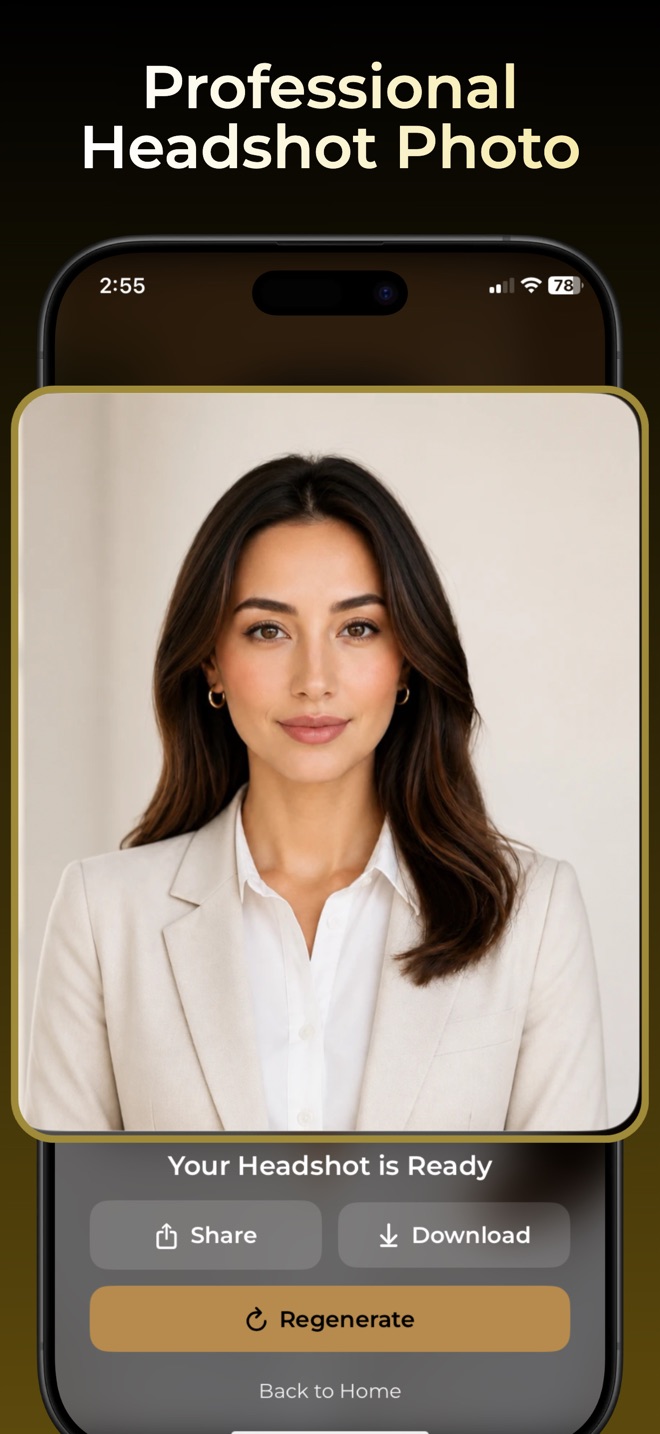
- Open Headshot and choose a template that fits the kind of profile you are creating.
- Follow the app’s upload and generation instructions. Review the purchase offer before using paid features.
- Compare your result with the original photo. Save a portrait that still looks like you, including your face shape and distinctive details.
- Place the photo where it is appropriate, then check the exported document or web page on another screen.
Check before you send
Review the crop, image quality, and application instructions. A photo should support a professional introduction without crowding your résumé or replacing evidence of your skills. If you omit the photo from your résumé, you can still link to a complete professional LinkedIn profile photo.
Need a professional profile photo?
Free to download; some features require in-app purchases.